Learn programming step by step.
Become a developer who understands why.
A structured path from "what is a computer program" all the way to writing your own Laravel-like framework. PHP, OOP, SQL, MySQL, APIs and Laravel — every concept starts with the problem that made someone invent it.
- 11 full lessons
- 190+ sections
- 0 assumed knowledge
Choose your learning path
Eleven lessons are written and free to read right now. The rest are planned — they are marked, not hidden, so you can see where the path is going.
The roadmap
Topics build on each other. Skipping ahead almost always means coming back — this is the order that avoids that.
- 1 Programming BasicsWhat a program actually is
- 2 Language HistoryWhy your tools exist
-
3 HTML & CSSStructure and layout
-
4 JavaScriptThe browser half
- 5 PHP & OOPThe big one — objects, SOLID
- 6 ComposerUsing other people’s code
- 7 Database BasicsHow data is really stored
- 8 SQL & MySQLJoins, indexes, transactions
- 9 APIsHow programs talk
- 10 Laravel DatabaseEloquent ↔ raw SQL
- 11 Build a FrameworkThe capstone
-
12 Real ProjectsShip something
Ready when you are
No sign-up, no email, no payment. Open the first lesson and start reading — your progress is saved in this browser automatically.
Written like a mentor, not a manual
Six things that are deliberately different from the documentation you have already read.
Problem before definition
No lesson opens with "a class is…". It opens with code that breaks, so the definition arrives as a relief rather than a rule to memorise.
Tied back to Laravel
Every concept ends by pointing at the exact place it appears in a real Laravel app — Contracts, the container, Eloquent, middleware.
Drawn, not just described
Diagrams, flowcharts and step-by-step execution traces. If an idea can be drawn, it is drawn.
Exercises with no answers
Three per lesson, easy to hard, with expected output and a hint — but never a solution. Reading a solution feels like learning and is not.
Interview questions built in
Thirteen per lesson at three levels, answers hidden until you have tried. Written the way a senior would actually answer.
Hinglish recap
Every lesson explains the whole topic again in plain Hinglish at the end, for when the English version did not quite land.
What every lesson contains
Not a wall of text with headings. Thirteen distinct parts, in the same order, every time — so you always know where to find the bit you need.
See it before you commit
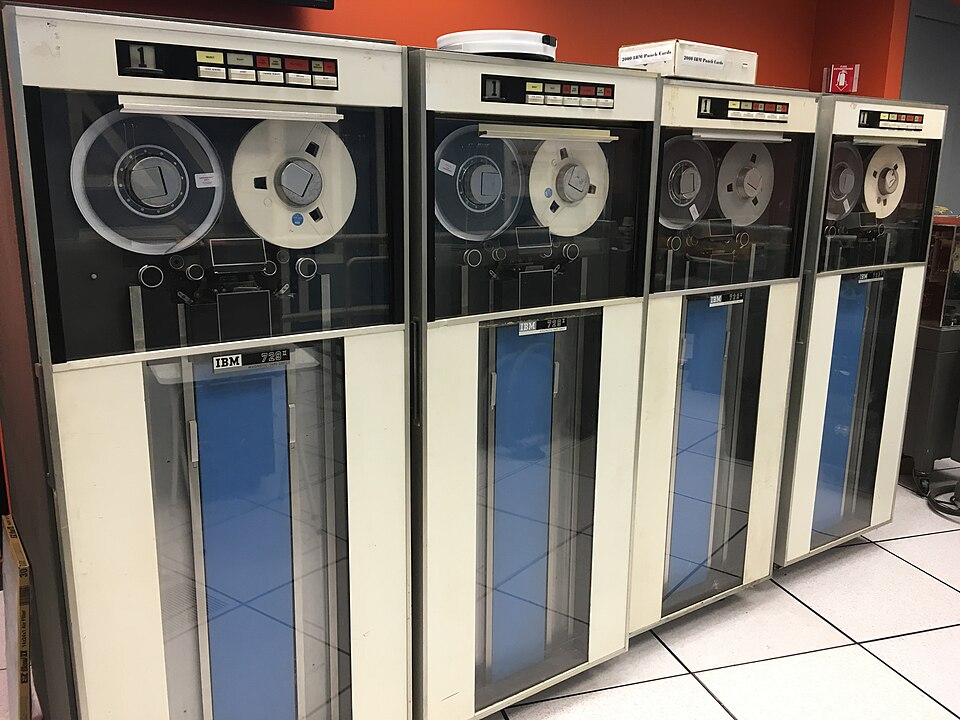
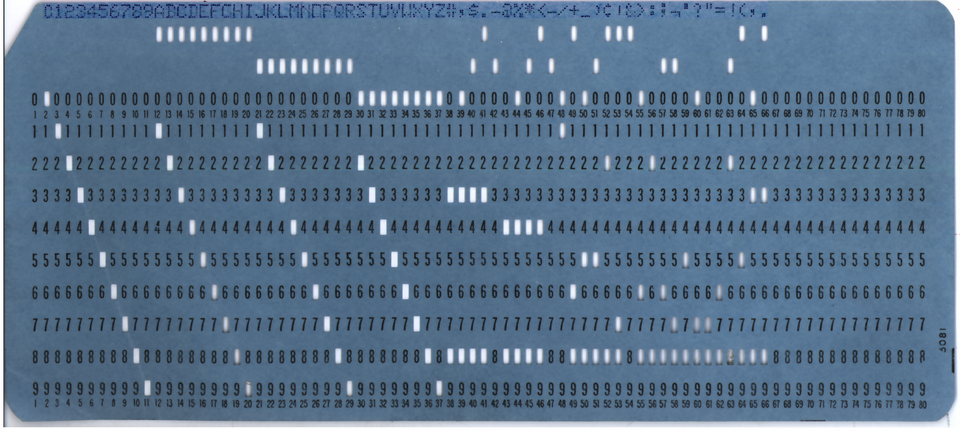
These are real screens from the lessons — the archival photographs in the history sections, and the diagrams that explain how data is stored. Click any image to open it full size.
Open a full lesson
From first line of code to job ready
Nobody becomes a developer by reading. This is the loop that actually works, and where each part of the site fits into it.
Text version
What this site is, and what it is not
What it is
- A free, complete study path you can finish.
- Written for someone who has never programmed.
- Honest about what is finished and what is planned.
- Yours to keep — progress stays in your browser, not on a server.
What it is not
- Not a video course — everything is text you can search and scan.
- Not a certificate mill. There is no badge at the end.
- Not a replacement for the official docs — it is what makes them readable.
- No student counts or testimonials, because there is nothing to count yet.
Questions people actually ask
Start with the very first question
"What actually happens between typing code and seeing a web page?" That is lesson one, and it assumes nothing at all.